

Point of sale
Fast, keyboard-first billing at the counter.
Ring up sales quickly, take any kind of payment, and close each shift with a clear count.
- Keyboard-first billing
- Hold and resume bills on any PC
- Shift close with a printed Z-report
What it does
Built for a busy counter
Scan, type or search
Add items by barcode, item code or name search in more than one language. Type a quantity first, such as 5*, then scan.
Quick-item buttons
Tap buttons grouped by category for goods that have no barcode.
Every way to pay
Cash with change and quick-tender buttons, card, QR, mobile money, store credit, on credit, or split across several.
Held bills
Park a bill with one key and resume it later on any PC. The list shows its age, cashier, customer and total.
Returns wizard
Find the receipt, pick lines and quantities, choose restock or write-off, and refund by cash, original method or store credit.
Shifts and counting
Open a shift with a float and close it by counting notes and coins. See expected against counted, record the difference and print a Z-report.
Real screens
In the app
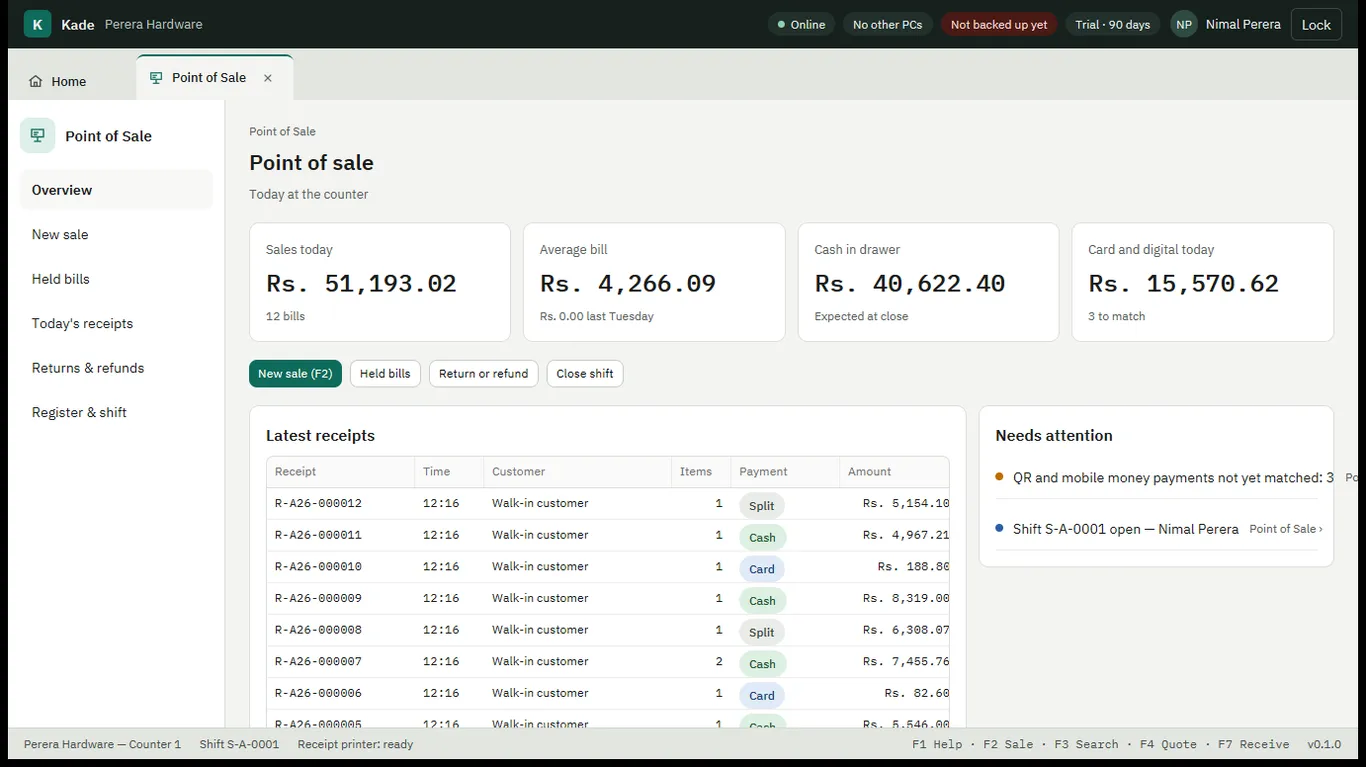
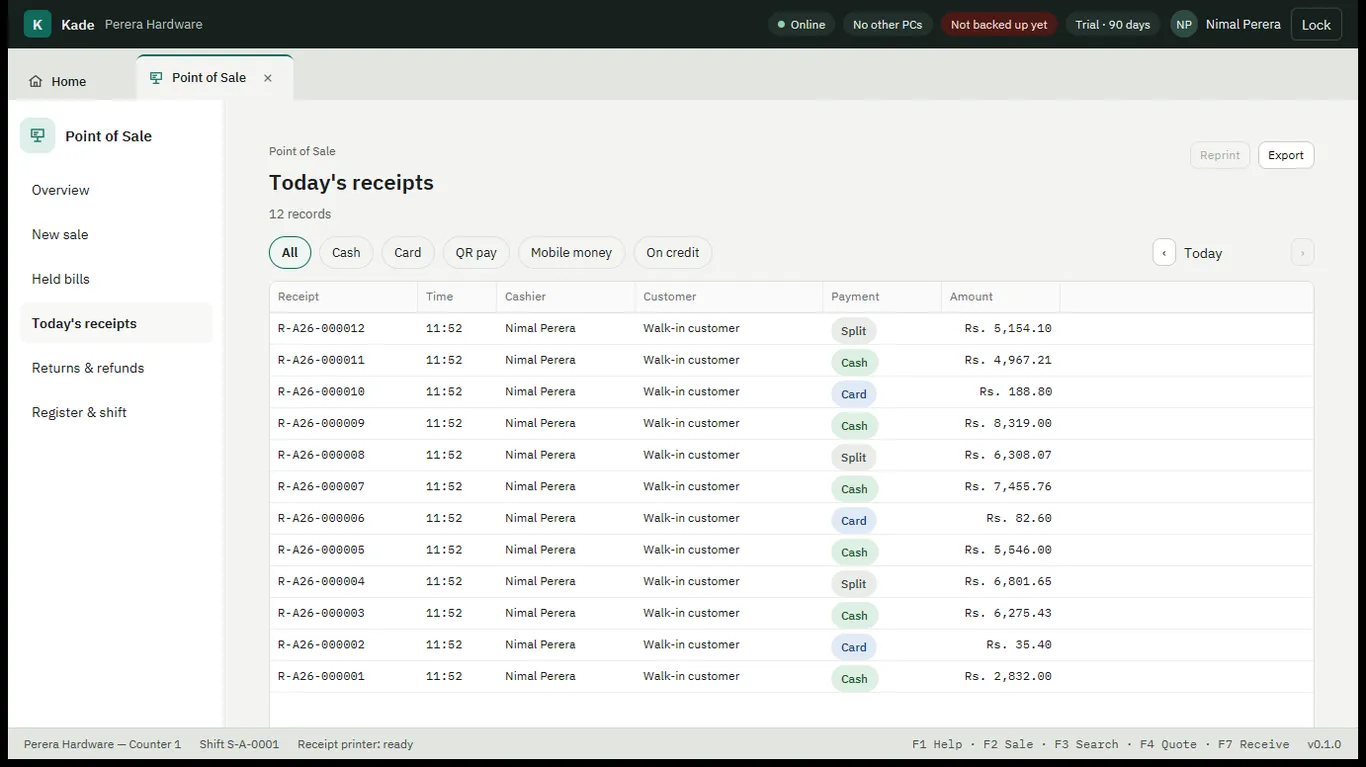
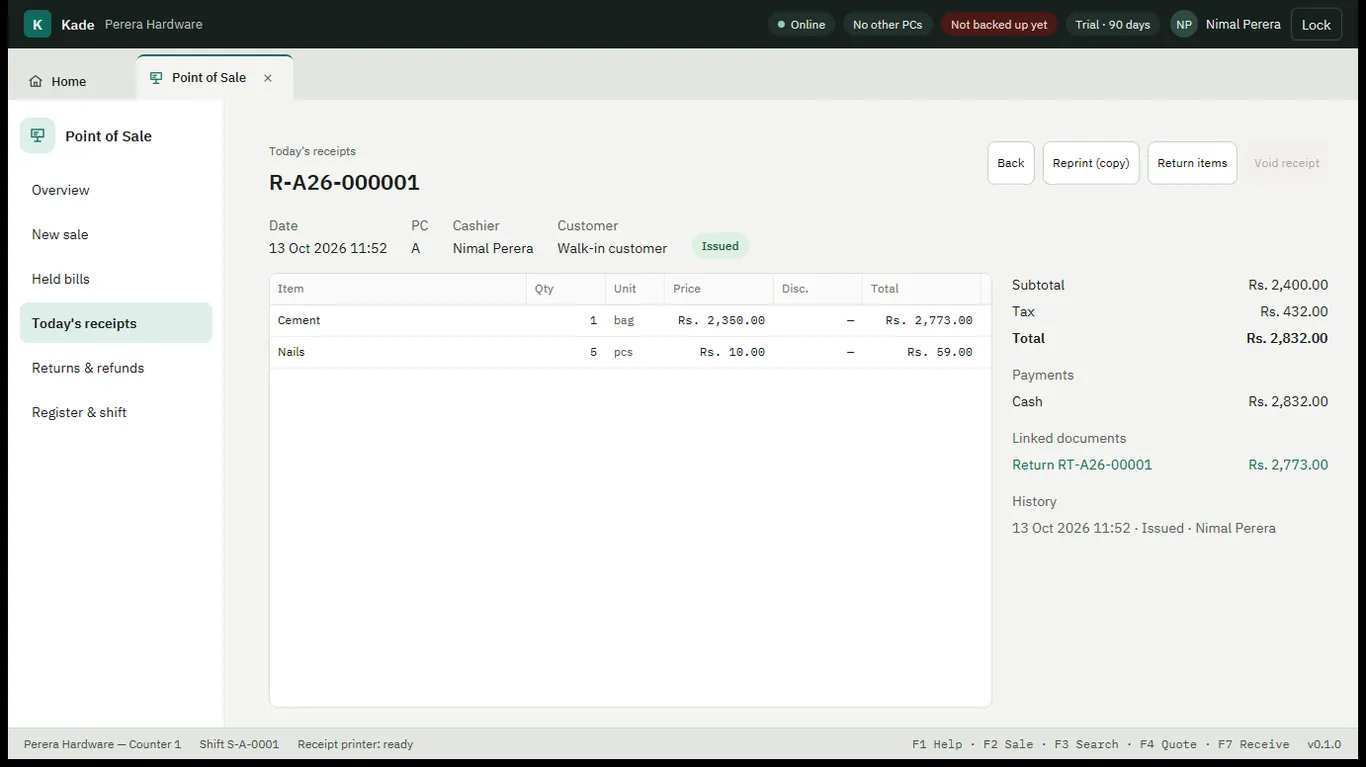
Real screens from Kade, shown with a demo shop's data.
Works together with